mQ 3.0: We Heard You
Jim Bergmann ·
New Home Screen Experience
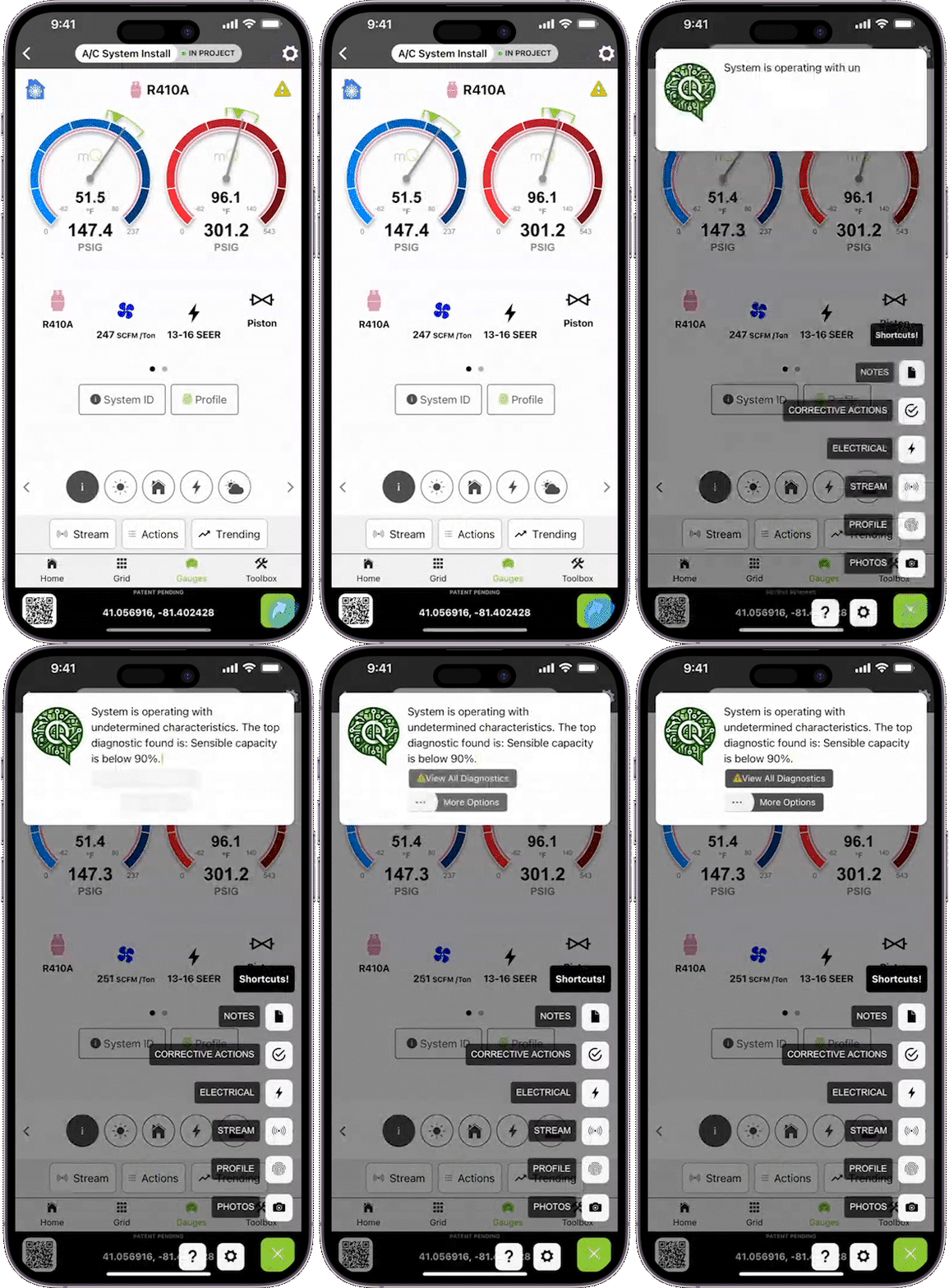
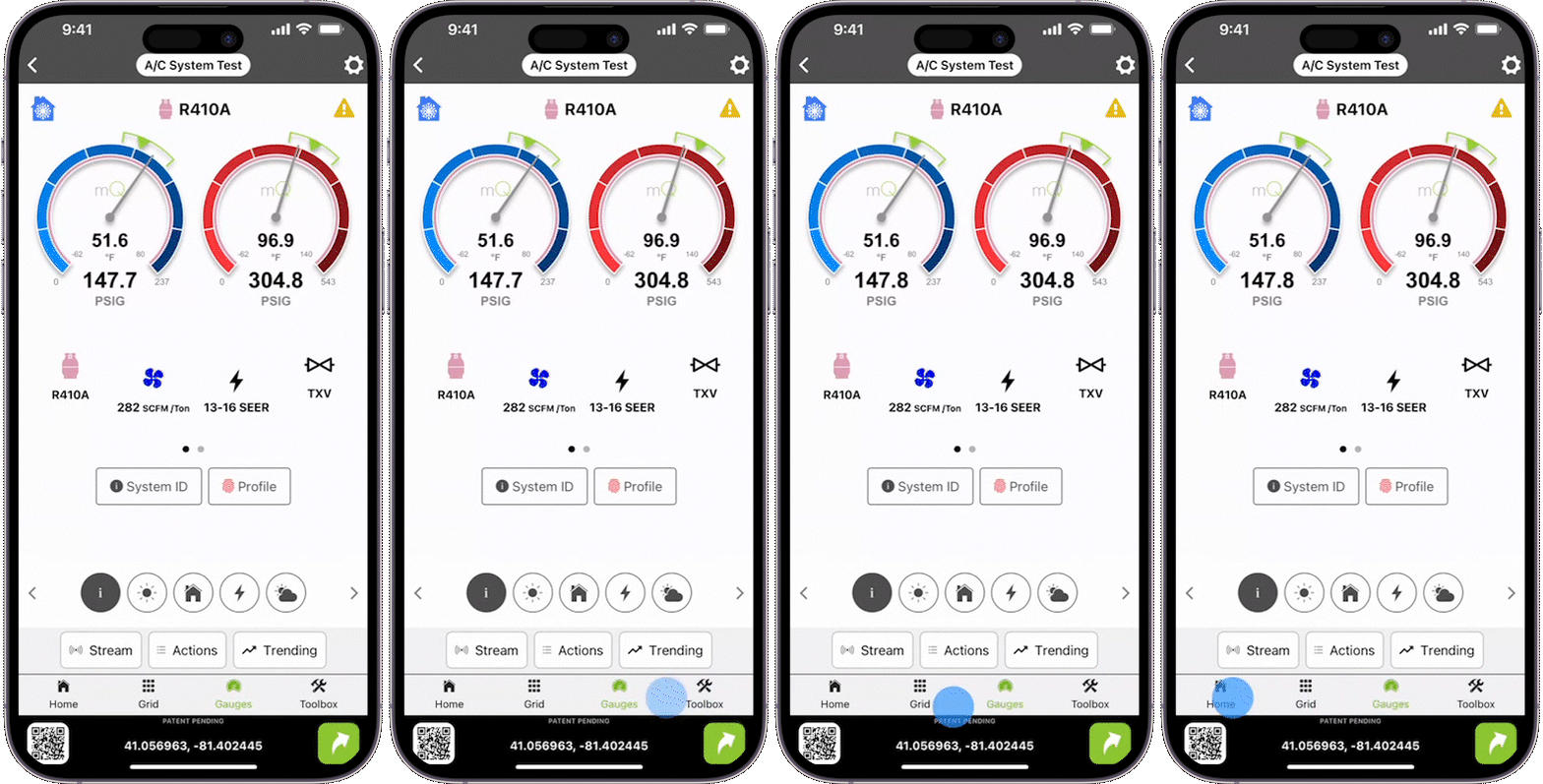
Since mQ 2.5, the app would greet users with a project-oriented home page instead of the measurement-oriented gauges found in the original measureQuick release. While the project-oriented experience was designed for companies with standardized procedures, it’s not suitable for techs who use measureQuick independently. Now in mQ 3.0, the app will remember where you were left off and return you to the same location when you come back to measureQuick. We’ve also introduced a new tabbed interface for fast access to the home screen, grid view, gauges, and toolbox. Streaming, actions, and trending features are now more clearly spelled out on both the gauge and grid interfaces, making them easier to navigate and use.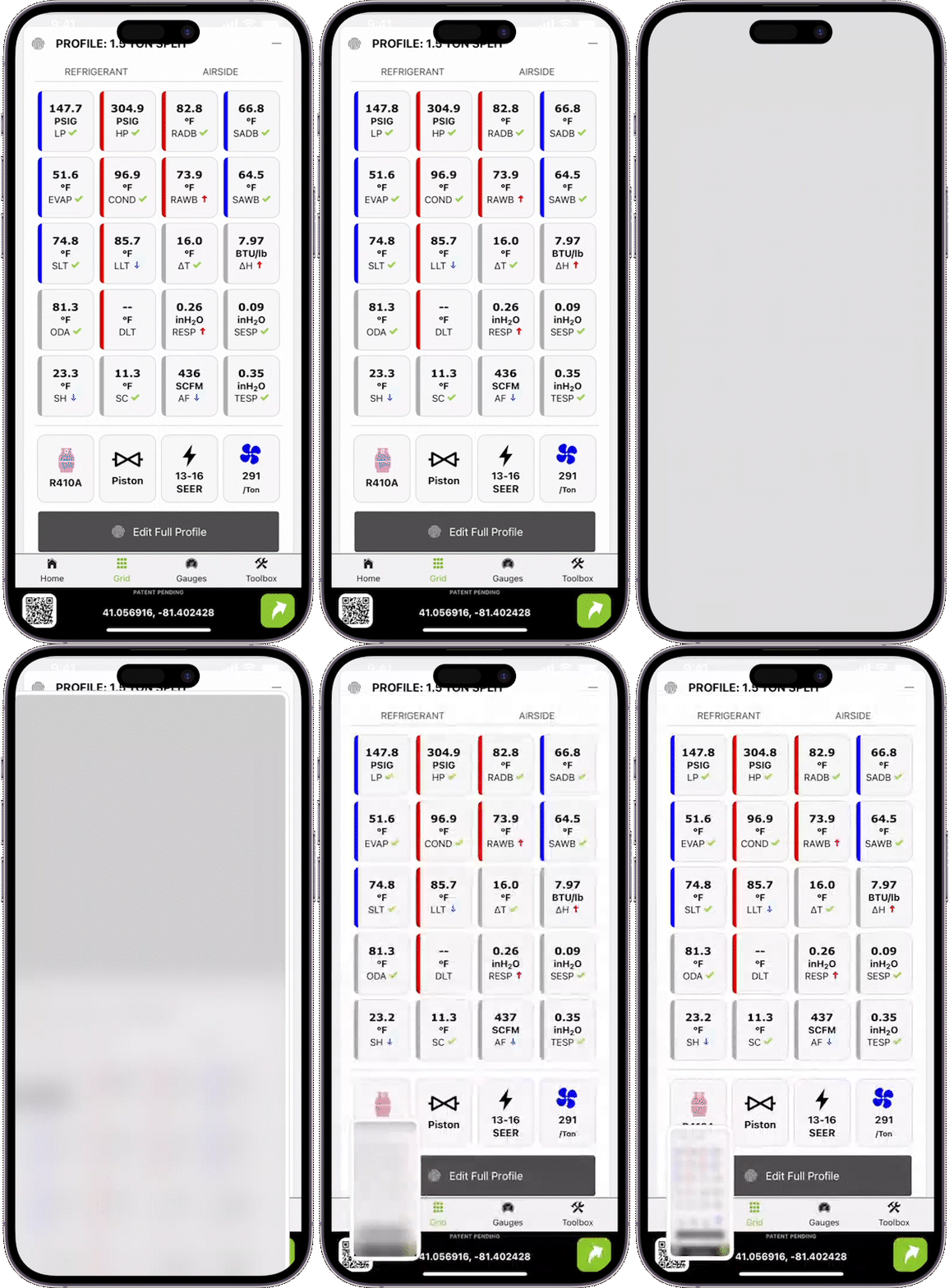
Enhanced Screenshots with Geolocation
Screenshots are back and more powerful than ever, featuring a patent pending on-screen geolocation by coordinates outside of a project, or a physical address within a project. Though last year’s decision to remove screenshots was controversial, we believe that data integrity is foundational to modernizing our industry and improving outcomes for all stakeholders. Unfortunately, we underestimated just how much technicians rely on screenshots in their daily tasks. We’ve solved this dilemma with measureQuick 3.0, which generates a unique overlay of precisely where each screenshot was taken and includes a QR code to certify the location after the completion of the job. This feature also allows you to search your camera roll for screenshots by address or coordinates. Simply allow geolocation for screenshots to work. For those who prefer privacy when posting screenshots online, easily crop out the geolocation details.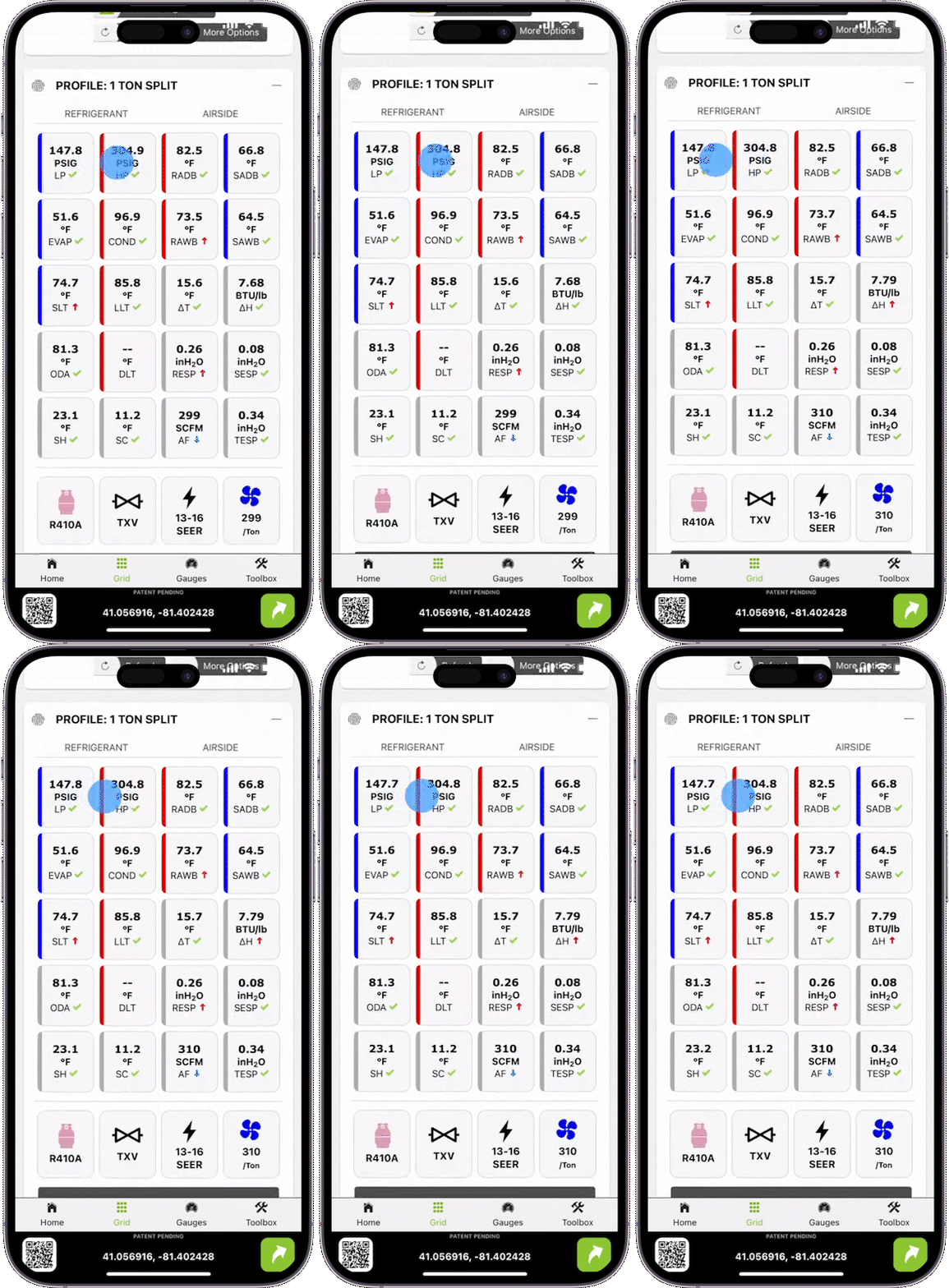
Grid View
By popular request, we are transitioning back to a measurement-forward user interface, moving away from the project-centric approach. Users can access both the “classic gauge” view as well as our new “grid view” which allows you to see all measurements at once, with low/normal/high indicators that clearly show what is within or out of range. Tapping any single measurement on the grid reveals detailed information, including features exclusive to measureQuick measurements, like target ranges, and recommendations of any issues. This grid view also provides quick access to profiles and the classic report generation. This feature is sure to become a favorite for users who want to see all their data on a single screen.
mQ Classic Reports
HVAC Companies who have integrated measureQuick into their standard operating procedures rely onthe reporting features available through our Premier Services (the Vitals Score and Pro Reports) to increase revenue and reduce callbacks. Unfortunately, techs who only use measureQuick for smart tool diagnostics don't ever use the reporting features. To continue with our technician-first theme, we're now providing free access to Classic Report generation outside of Premier Services. The easiest way to create a report is by selecting it in the grid view, which will export all of your measurements to a PDF that can be archived or shared with customers.