
Stop guessing on the charge.
measureQuick is a free HVAC diagnostic and troubleshooting app that reads your Bluetooth probes live, scores the refrigerant and air side against live conditions, and shows you the fault in plain numbers. In measureQuick's field diagnostic data, 63.0% of systems run past the 0.5-inch static-pressure limit (n=84,682). Most of those faults stay invisible until you measure them.
The reading is the diagnosis
A manifold and a temp clamp tell you the pressures. They do not tell you whether the system is right. measureQuick takes the same readings and normalizes them to standard conditions, so the number means the same thing on a 95-degree afternoon as it does on a mild morning.
Superheat and subcooling, scored
Connect your probes and the app compares measured superheat and subcooling against the target for the metering device and conditions. A green pass or a red flag you can read at a glance.
Static pressure and airflow
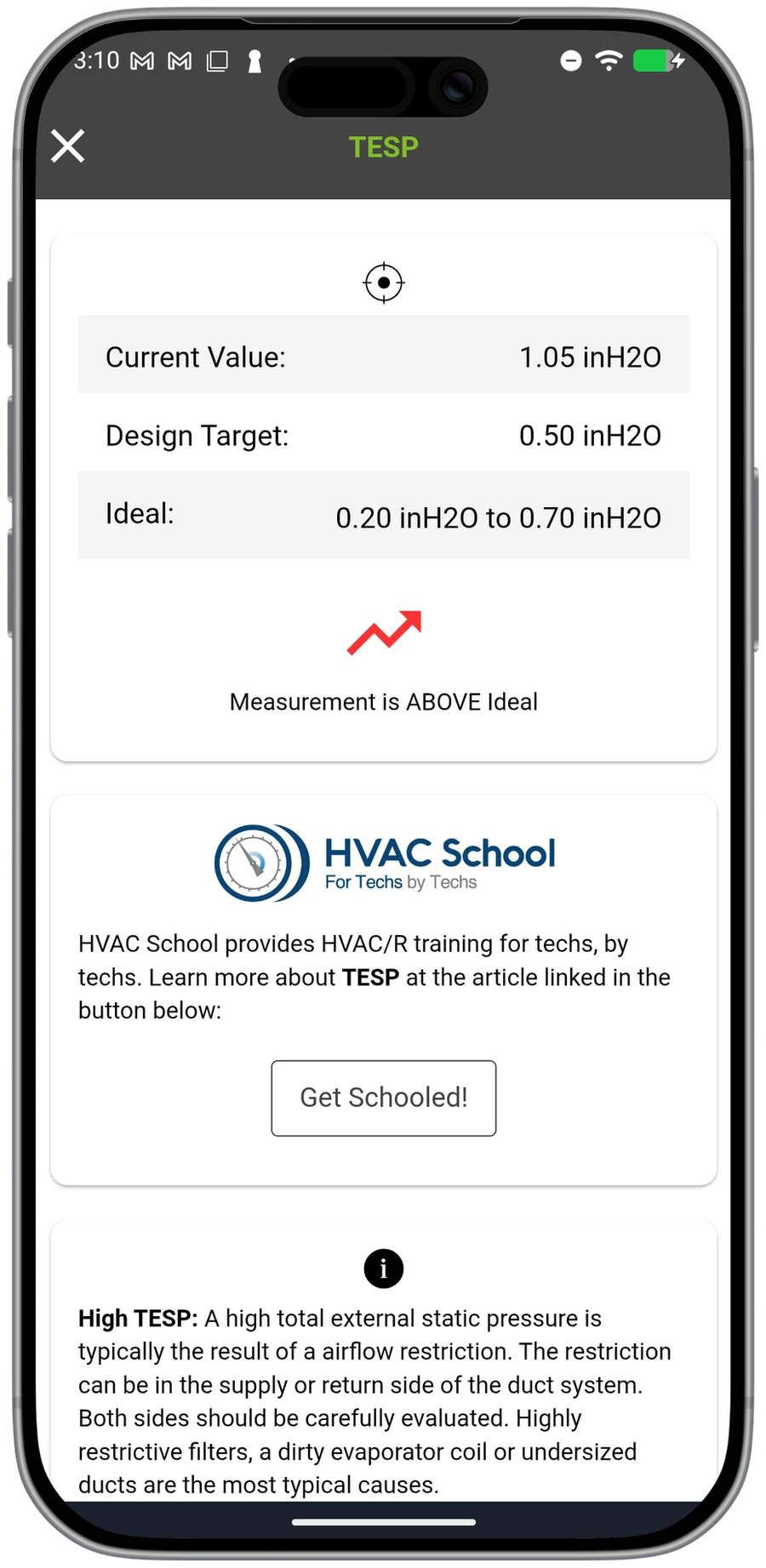
External static pressure tells you whether the duct system can move the air the equipment was sized for. measureQuick captures it alongside the temperature split and flags the systems that are choking before they turn into a callback. For accurate readings, see the guide to proper wireless probe placement for static-pressure diagnostics. It matters first, because low airflow mimics an overcharge: fix the air side before you touch the charge, or you correct a refrigerant number that was never the real problem.
When the job calls for a measured airflow number, the Duct Airflow Traverse, a quick test for Premier Services, lays out the measurement points, paces you through them with audio cues, and calculates airflow.
Gas heat, documented
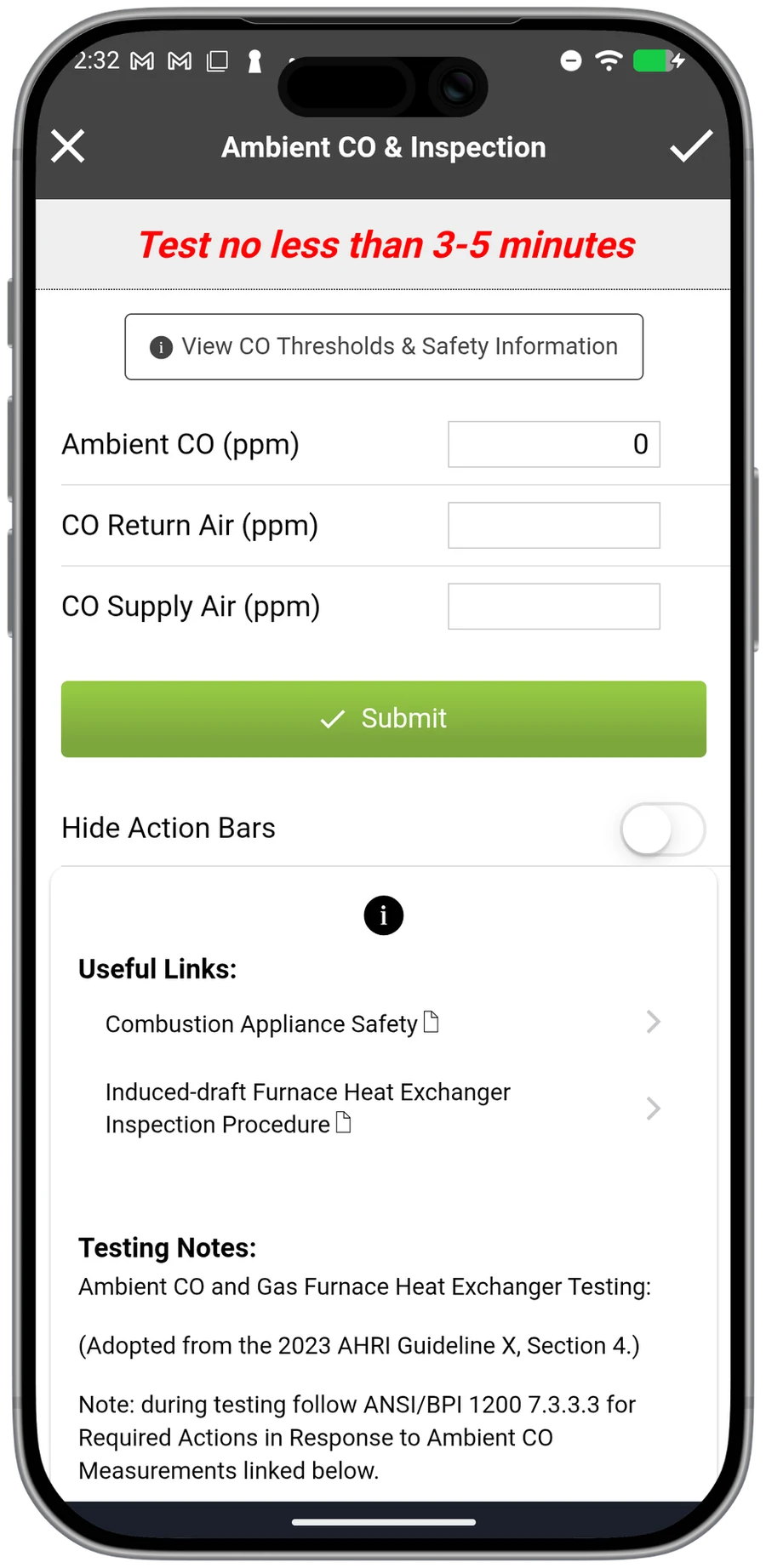
Pair a combustion analyzer and capture O2, CO, and efficiency in the same workflow. The heating side gets the same standardized record the cooling side does, ready for the report.
See it before you gauge up
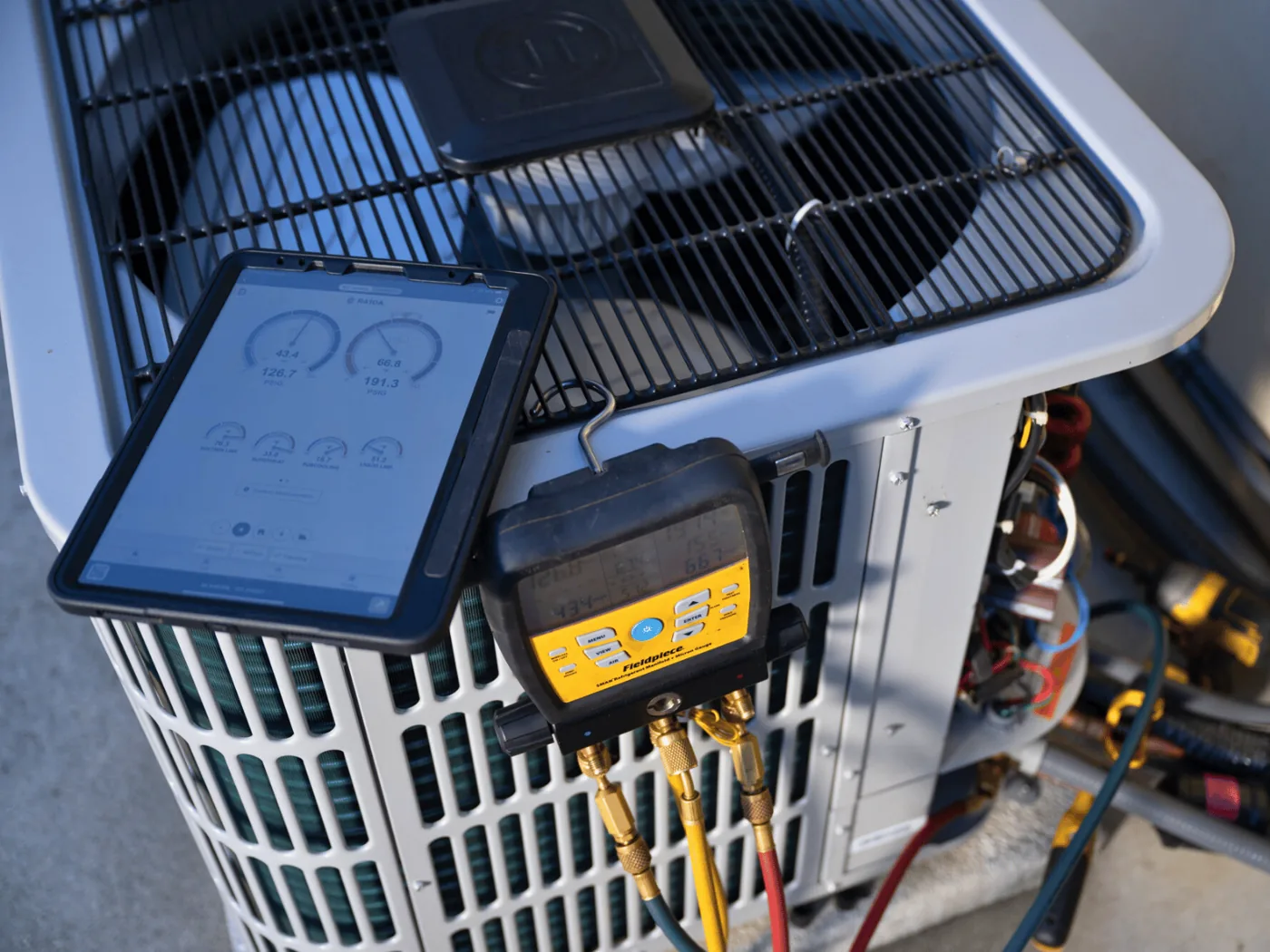
Most diagnostics do not need a manifold connection. measureQuick reads superheat, subcooling, static pressure, and the temperature split from probes, so you assess the system without breaking into the refrigerant circuit. Connect the gauges when the reading tells you to.
24 measurements, scored
Suction line, superheat, subcooling, liquid line, outdoor air, approach, compression ratio, discharge line, return and supply dry and wet bulb, enthalpy, airflow, temperature split, total and sensible and latent BTU/H, sensible heat ratio, and total external static pressure. Add electrical and you get EER2, SEER2, and fan efficacy. Eight live trending graphs pair the readings that matter, so you watch the system move in real time.
How the diagnosis is made
The app does not guess. It compares your live readings to context-aware targets and known fault patterns, flags what is out of range by severity, lists the symptoms that confirm each fault, and names the next measurement to check. The reasoning comes from the data, which is what lets a newer tech diagnose like a veteran. Chad Simpson, owner of Simpson Salute, on one of his crew: "He was three months in the field and diagnosed that as well as one of our 20-year vet technicians would have."
Here is what happens behind the curtain.
A troubleshooting call, start to finish
One fault, walked from probe readings to diagnosis the way measureQuick does it. This is an illustrative example.
- Equipment
- 3-ton R-410A split system, TXV metering device
- Conditions
- 95 degrees F outdoor, 75 degrees F indoor
- Complaint
- The system runs but the house will not cool down.
| Reading | Value | Target | Status |
|---|---|---|---|
| Suction saturation (evaporator) | about 33 degrees F (approx. 104 psig) | about 40 degrees F | Low |
| Superheat | about 6 degrees F | 5 to 8 degrees F (TXV) | In range |
| Subcooling | about 14 degrees F | 10 degrees F (plus or minus 3) | High |
| Condensing temperature over ambient (CTOA) | about 17 degrees F | 20 to 30 degrees F typical | Normal to low |
| Temperature split | about 26 degrees F | 18 to 22 degrees F | Wide |
| Total external static pressure | about 0.85 inches WC | 0.5 inches WC max | Over limit |
- 1
Subcooling flags first
About 14 degrees F against a 10 degrees F (plus or minus 3) target for this equipment. Initial suspicion: overcharge.
- 2
Suction saturation points to the air side
At about 33 degrees F (approximately 104 psig), suction saturation is well below the normal 40 degrees F for R-410A at a 75 degrees F return. Low airflow starves the evaporator coil of heat, pulling the saturation temperature down. An overcharge would leave suction saturation normal or higher. Superheat reads about 6 degrees F, in the TXV's 5 to 8 degrees F target range, but on a TXV system the valve holds superheat whether the cause is overcharge or low airflow, so superheat alone does not separate them.
- 3
Condensing temperature over ambient rules out overcharge
CTOA is about 17 degrees F (condensing saturation about 112 degrees F minus 95 degrees F outdoor), which is normal to low. An overcharge raises head pressure and pushes CTOA above the typical 20 to 30 degrees F range. Here, reduced indoor airflow lowers the evaporator load, so the condenser has less heat to reject and head pressure stays normal or drops slightly.
- 4
Temperature split and static pressure confirm the restriction
The split is about 26 degrees F, above the 18 to 22 degrees F target: less air crosses the coil, so each unit loses more heat. Total external static pressure is about 0.85 inches WC, well over the 0.5-inch limit. measureQuick scores each reading against its target, flags the out-of-range values by severity, lists the symptoms that confirm the fault, and names the next measurement to check.
- 5
The call
The high subcooling is caused by restricted airflow, not excess refrigerant. A collapsed filter was the restriction. After clearing it, static pressure dropped to about 0.45 inches WC, suction saturation returned to about 40 degrees F, subcooling settled at about 10 to 11 degrees F, and the temperature split normalized to about 20 degrees F. No charge adjustment was needed.
The page already teaches 'fix the air side before you touch the charge.' This is what that looks like with readings on the screen: one set of measurements, two possible explanations, and a confirming measurement that settles it.
“measureQuick just shows that you did or didn't do it the right way. That's what I like about it. I love when Jim first introduced measureQuick - I was on board instantly and I thought this is the greatest thing since sliced bread. And when we don't use measureQuick properly is whenever we start having failures.”
Questions, answered
Does it need new tools?
No. measureQuick connects to 80+ Bluetooth tools across 17+ brands you likely already own. Keep your probes; the app reads them and scores the result.
Do I have to gauge up every time?
No. Superheat, subcooling, static pressure, and the temperature split read from probes, so most diagnostics happen without breaking into the refrigerant circuit. Connect the manifold when the reading tells you to.
How does it decide what is wrong?
It compares your live readings to the targets for that equipment and conditions and to known fault patterns, flags what is out of range by severity, and names the measurement that confirms the cause, so the diagnosis is traceable to the data.
What if airflow is the real problem?
Low airflow mimics an overcharge, so measureQuick reads the air side alongside the refrigerant side and flags it first. Fix airflow before adjusting charge, or you correct a number that was never the real fault.
Does a passing reading count for compliance?
The same scored measurement lines up with ACCA Quality Installation criteria. The diagnostic and the documentation are one workflow.
Is there a free HVAC troubleshooting app?
measureQuick's core diagnostics are free forever: connect your probes, run a diagnostic, and get a scored result with no subscription and no trial clock. The app works with 80+ Bluetooth tools across 17+ brands. Premier Services ($49 per user per month) adds mQ Assist, System View, the HVAC Vitals™ score and Report, and other features for teams, but the diagnostic engine that reads your tools and flags faults is on the free tier.
What does an HVAC diagnostic app measure?
measureQuick captures 24 measurements in one workflow: suction line, superheat, subcooling, liquid line, outdoor air, approach, compression ratio, discharge line, return and supply air (dry and wet bulb), enthalpy, airflow, temperature split, total and sensible and latent BTU/H, sensible heat ratio, and total external static pressure. Add electrical measurements and the app calculates EER2, SEER2, and fan efficacy. Each reading is scored against the target for the equipment and conditions.
Keep exploring
Read the system right the first time.
Real-time diagnostics on 80+ tools across 17+ brands are free forever. Premier is $49 per user per month.