
Built for the field, one hand on the ladder.
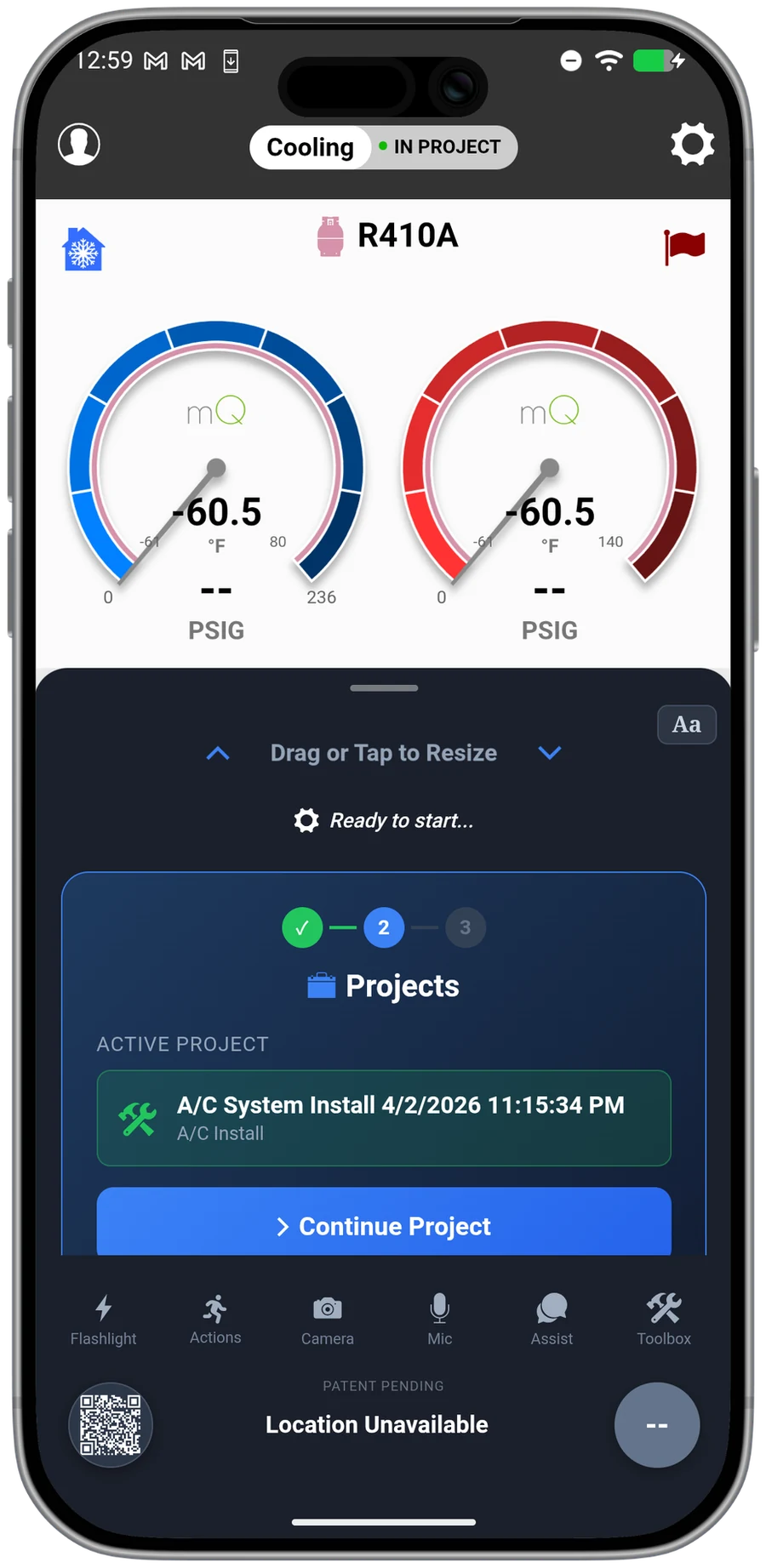
You work standing on a ladder with one hand on the gauges. mQ+ puts the flashlight, camera, mic, mQ Assist, and toolbox in a bottom drawer your thumb can reach. The whole workflow, one-handed.
A workflow for real conditions
PremierThe attic is 130 degrees and your free hand is holding a probe. mQ+ was laid out for exactly that.
Everything under your thumb
Flashlight, camera, voice notes, mQ Assist, and the toolbox live in a drawer at the bottom of the screen, where your thumb already is. No reaching across a tablet you are balancing on a condenser.
One interface for the whole team
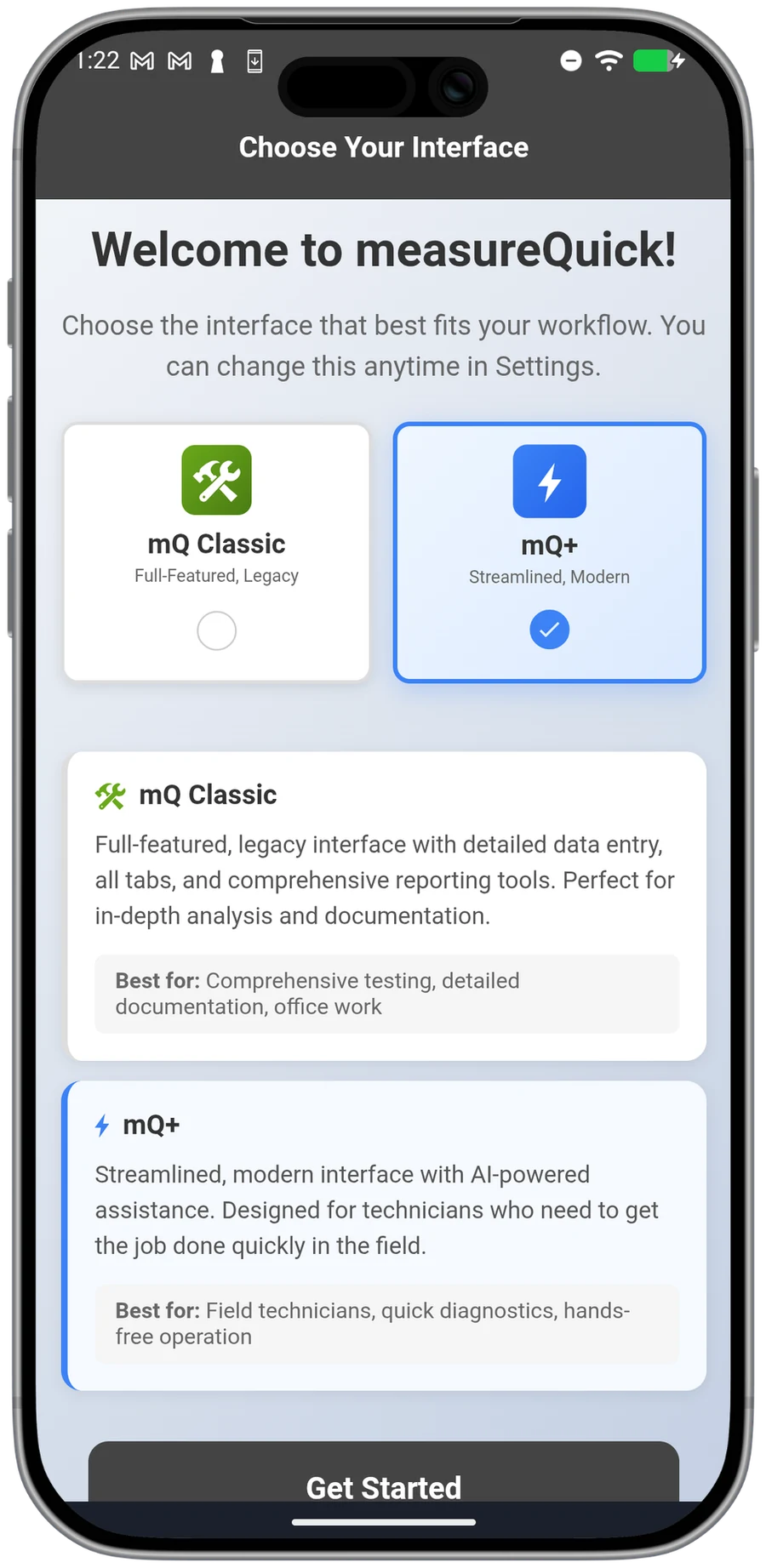
The company picks the interface. With the Interface Chooser, a Premier Services company sets mQ Classic or mQ+ as a company-wide setting, so every technician sees the same screens and the same steps, on the same account and the same data. A shop whose team knows the classic layout can keep it.
No signal, no problem
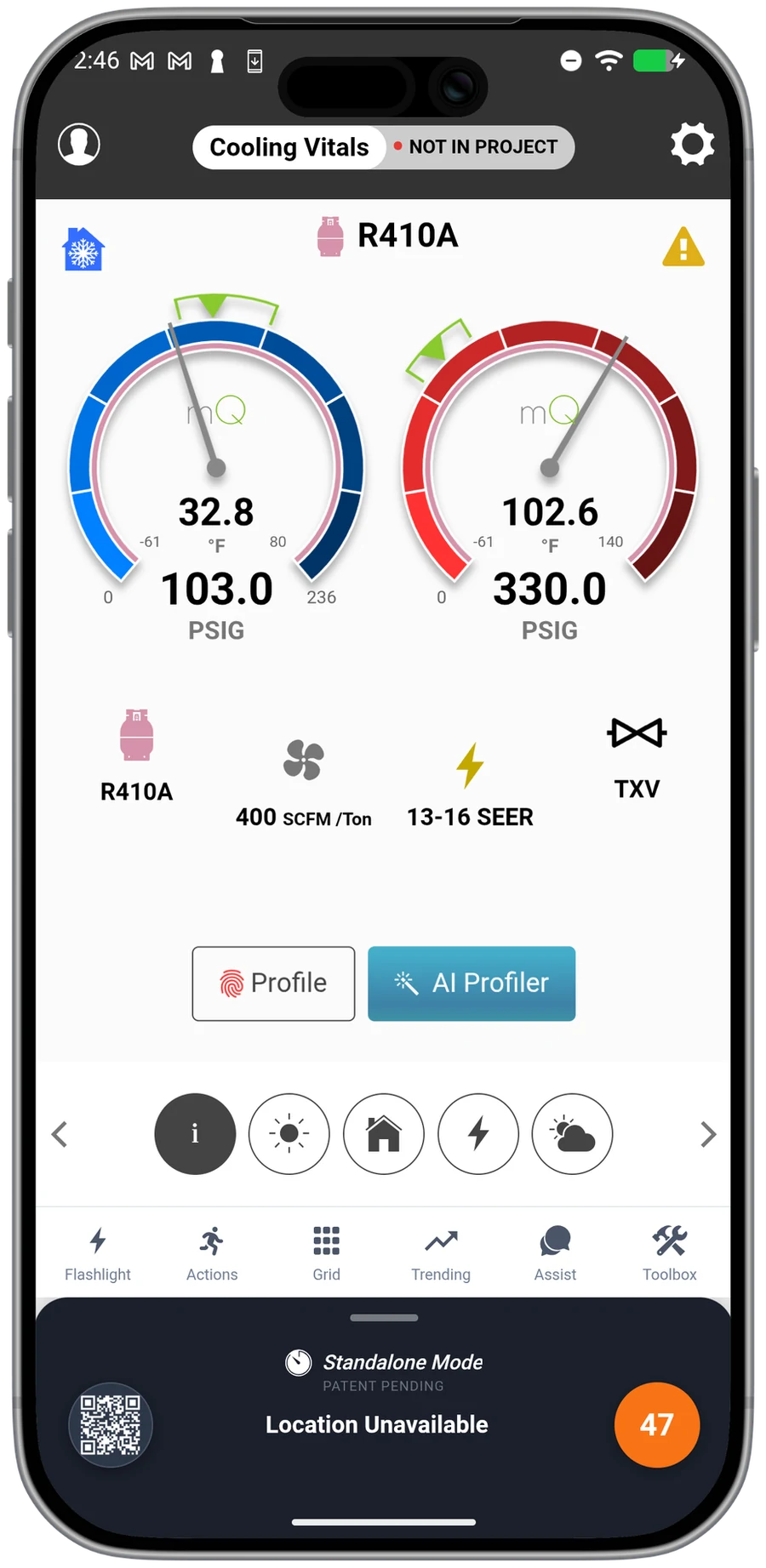
The attic has no signal and the basement has less. mQ+ runs the full diagnostic with no cellular or WiFi, then syncs to the cloud when you are back in range. Nothing waits on a bar of service.
Built around the reading
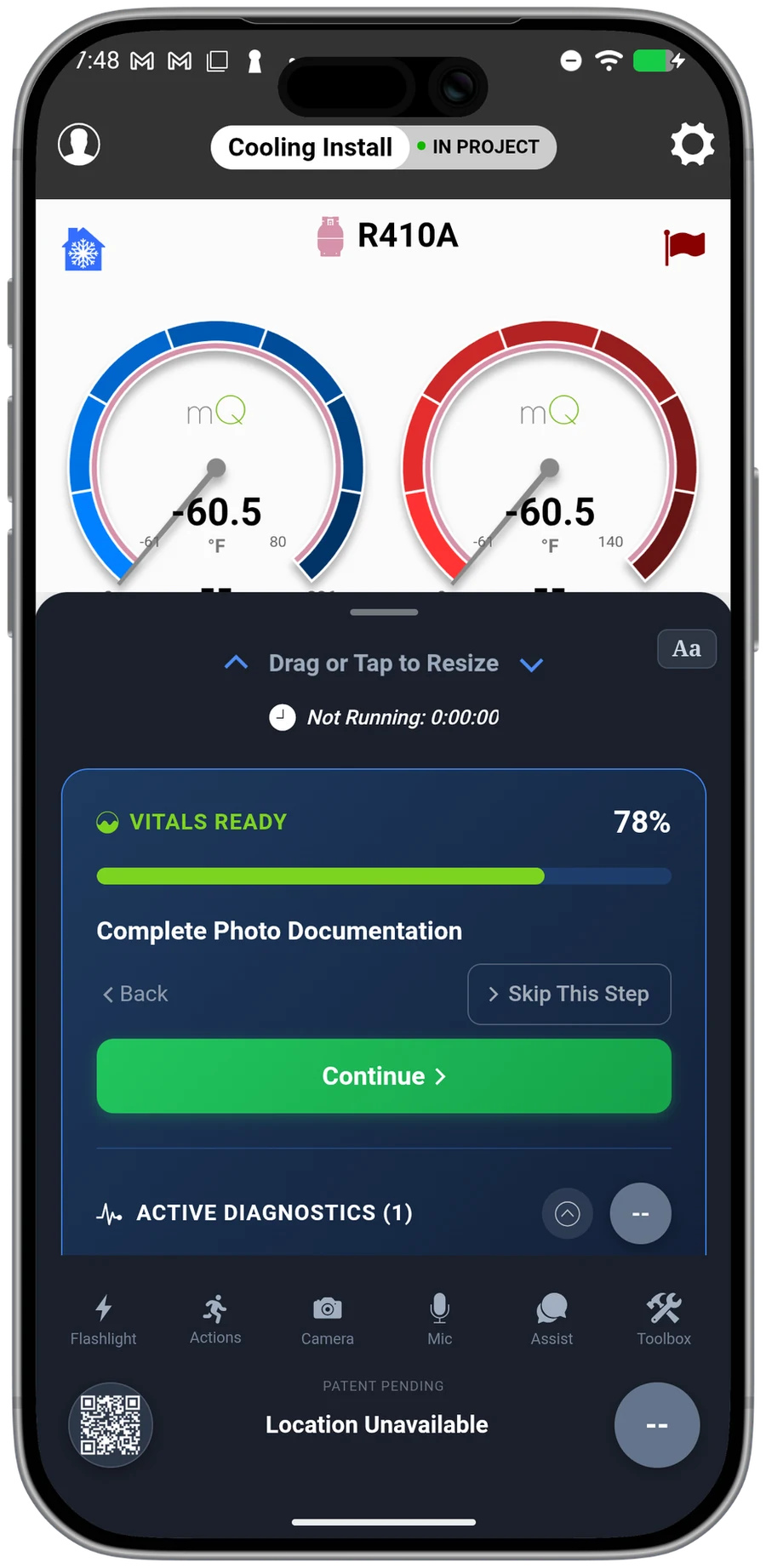
mQ+ knows which probes are deployed, how far the test has progressed, and whether the system has stabilized. The reading drives the screen, so the next step is right in front of you.
“Phenomenal application and they're constantly updating the app. Every time I open the app, there's new updates, new updates.”
Questions, answered
What is mQ+?
A redesigned measureQuick interface built for one-handed work in the field. The flashlight, camera, mic, mQ Assist, and toolbox live in a bottom drawer your thumb can reach.
Do I have to switch to it?
No. mQ+ is an interface, chosen company-wide. A Premier Services company picks mQ Classic or mQ+ as a company setting, and every technician works on the same account and the same data.
Does it work without signal?
Yes. Standalone mode runs the full diagnostic with no cell or WiFi, then syncs to the cloud when you are back in range.
Which plan includes mQ+?
mQ+ is part of Premier Services, alongside mQ Assist, the cloud dashboard, and reporting.
Work the way the field works.
Real-time diagnostics on 80+ tools across 17+ brands are free forever. Premier is $49 per user per month.